クイックツアー
小さな画面に、たっぷりの情報。
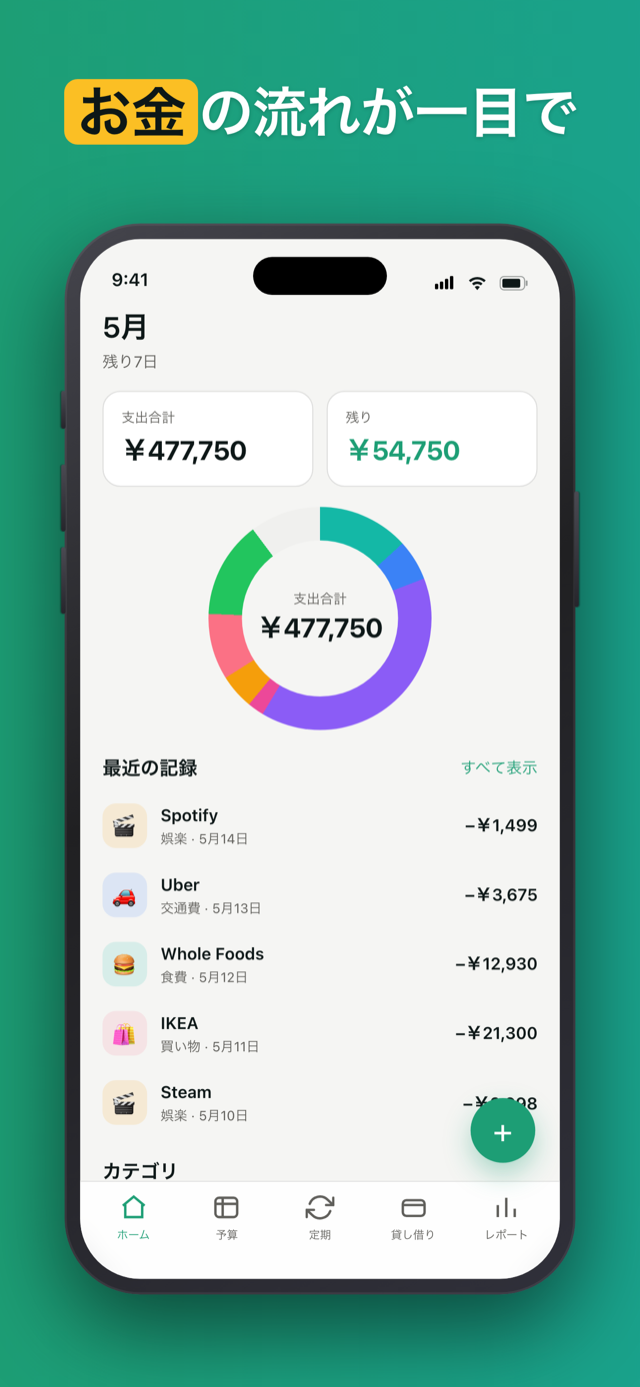
プライバシー優先の iOS 予算トラッカー。銀行ログインなし、サブスクなし、アカウントなし - 一度の購入で、データは端末内にとどまります。
Penno は銀行の認証情報を一切聞きません。お金に関するネットワーク呼び出しはゼロ - 飛行機の中でも動きます。
インストール、起動、開始。「アカウント作成」画面はありません。アカウント自体がありません。
一度買えば、あなたのもの。月額なし、年額更新なし、「Pro へアップグレード」なし。買ったバージョンのまま、全機能あなたのもの。
Penno にバックエンドはありません。あなたのデータは端末内の SQLite ファイル1つだけ。いつでも好きなときに、あなた自身の iCloud にバックアップできます - Penno のサーバーには決して送られません。私たちには見えないままです。
現金で2,000円、PayPayで3,000円? メモを残せます。各借金支払いに独自のメモ - 半年後でもちゃんと思い出せます。
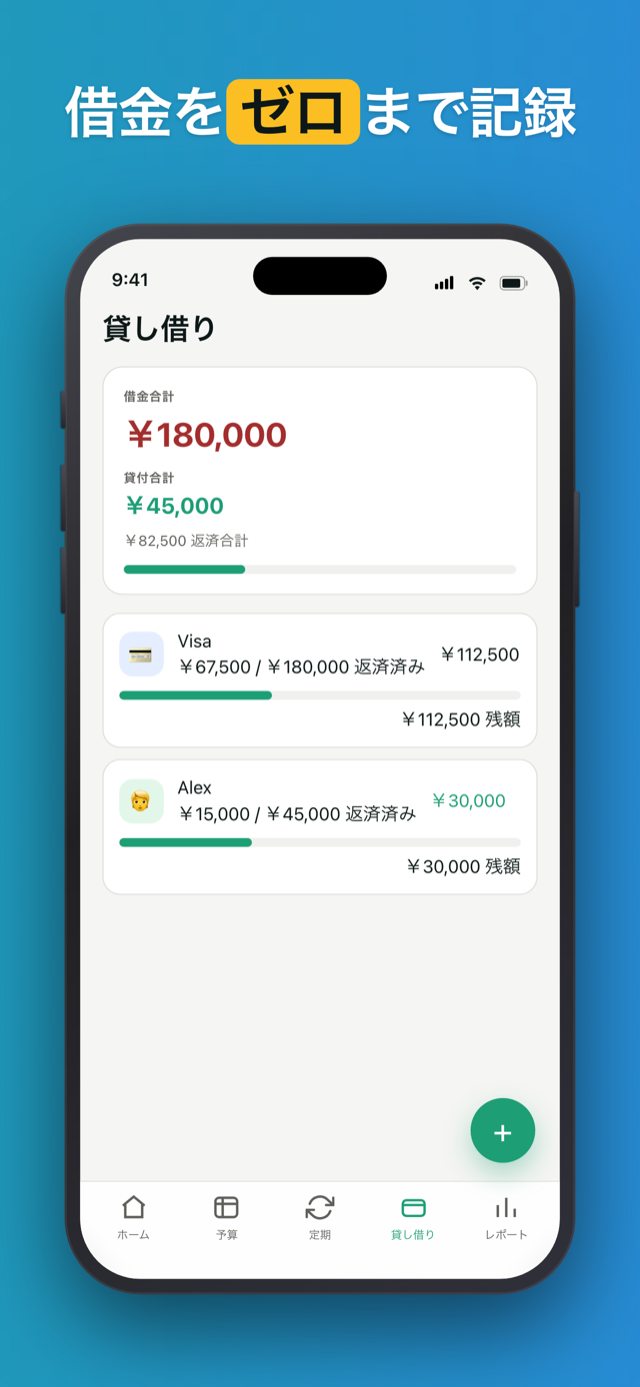
借金を 2,000 円ずつ返す。各支払いは日付付きの独立した行 - 残高が減るほどタイムラインが伸びていきます。
誰かが借りているお金を忘れていませんか? Penno は覚えています。動きのない貸し借りにそっとリマインド - 気まずくなる前に。
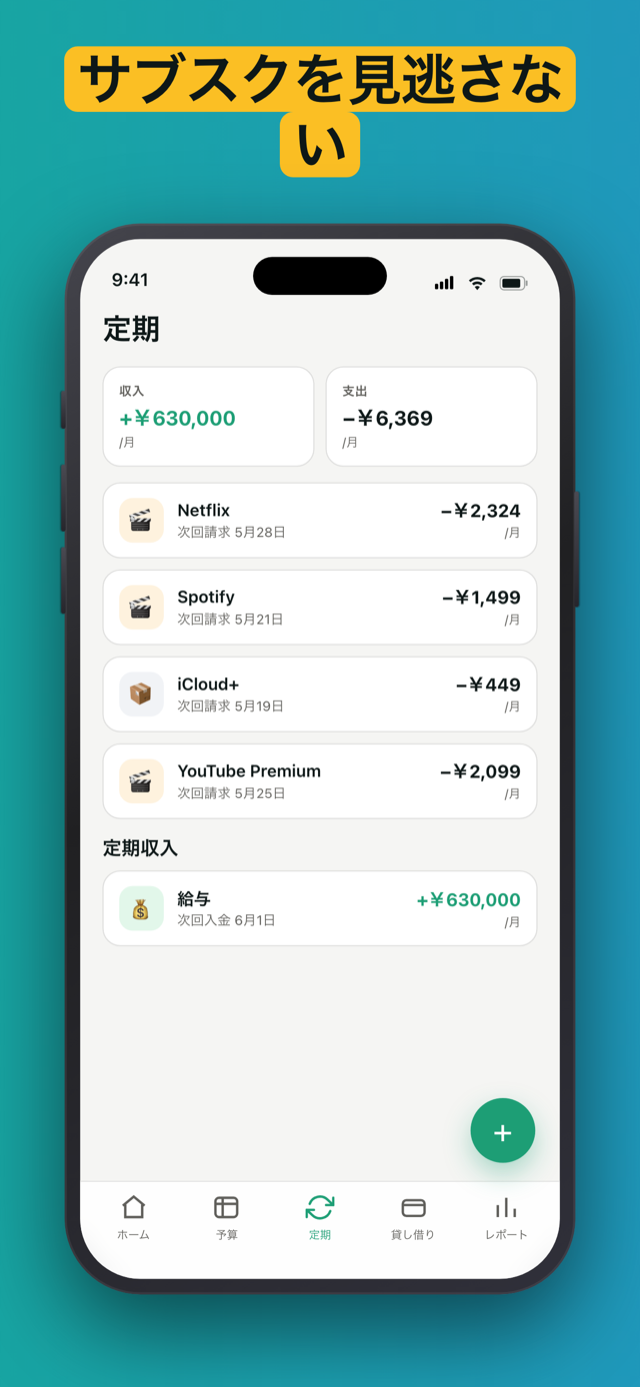
一度設定すれば、毎月の請求日に自動で記録 - 前日にお知らせ。
App ロックをオンにすれば、Penno は Face ID、Touch ID、またはパスコードの後ろに隠れます - 誰かがあなたの端末を手に取っても、残高はプライベートなまま。
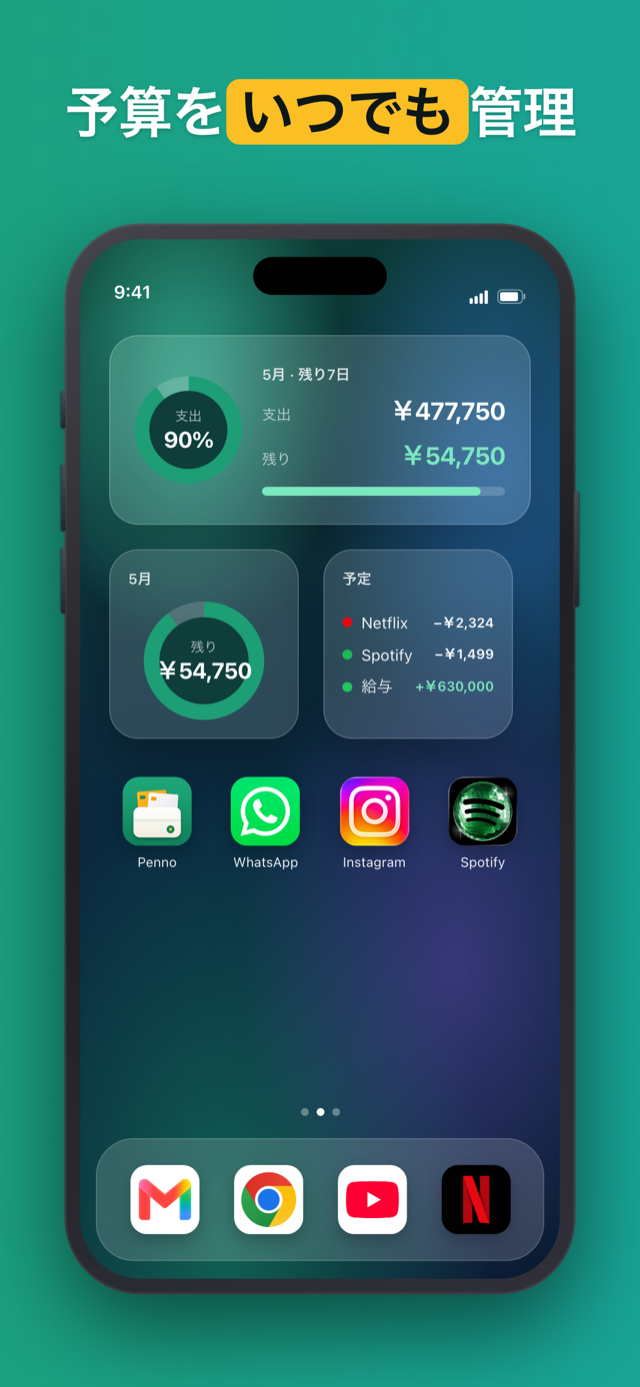
ホーム画面やロック画面にウィジェットを置けば - 残り予算、今月の支出、今後の請求、最新の取引まで、アプリを開かずにすべて確認できます。
“やっと、銀行ログインを求めないアプリ。去年それだけの理由で3つのアプリを削除した。”
“毎度サブスクに変わる家計簿アプリにうんざりしてた。一度払って、それ以降ポップアップなし。”
“古い貸し借りのリマインダーが秀逸。弟に2,000円貸していたのを完全に忘れていた。”
Penno はあなたの財務に関するネットワーク呼び出しを一切行いません。取引、借金、定期支払いは端末内の budget-planner.db に保存されます。データがアプリを離れるのはあなたの手による時だけ - CSV や XLSX をエクスポートするか、あなた自身の iCloud にバックアップするかです。どちらも手動の操作で、iCloud バックアップはあなた自身のアカウントに保存され、Penno のサーバーには決して送られません。
いいえ。Pennoが銀行のログイン情報を求めることはなく、口座連携用のSDKも含みません。すべての取引は手入力です。これは意図した設計上の選択で、あなたの家計データが端末から出ることはありません。
買い切りです。一度支払えばアプリはずっとあなたのもの。月額料金も年間更新も、「Proにアップグレード」の催促もありません。購入したバージョンにすべての機能が含まれます。
すべてiPhone内のローカルSQLiteデータベース(budget-planner.db)に保存されます。iCloudにバックアップしない限り、Pennoが家計に関する通信を行うことはありません。バックアップもファイル1つをあなた自身のiCloudに保存するだけで、Pennoのサーバーには一切送りません。いずれにせよ、私たちがデータを受け取ることはありません。
はい。Pennoは設計段階からオフライン優先です。機内でも地下でも圏外でも、アプリを開けばすべての機能が動きます。通信を使うのはiCloudバックアップだけで、それもあなたが自分でバックアップまたは復元をタップしたときだけです。
初期設定で主要通貨を選び、いつでも設定から変更できます。数値の書式は端末の言語設定に従います(JPY・KRWは小数点なし、ユーロの記号位置は地域に準拠)。リアルタイムの為替換算はありません。Pennoは選んだ通貨をそのまま記録します。
はい。ワンタップで全データをCSVまたはXLSXに書き出せます。CSVは再取り込みが可能で(端末を移行するときに便利です)、XLSXは閲覧専用です。どちらも範囲を指定できます。どのテーブル(取引・カテゴリ・定期・借入)を、どの期間で含めるか選べます。
はい。PennoはGoogle PlayでAndroidにも対応しており、iOS 15以降(iPhone、iPad)でも使えます。iOSが先に出ましたが、機能も買い切り価格も両プラットフォームで同じです。
端末内のデータも一緒に削除されます。iCloudバックアップを保存していれば、あなた自身がiCloudから削除するまで残ります。いずれの場合も、自分で管理できるファイルが欲しいなら先にCSVかXLSXへ書き出してください。再インストール時に取り込み直せます。